

Free 5-minute toolbox talkErgonomics and liftingEnglish and Spanish
Eye strain and office ergonomics safety moment
Tingling, numbness or pain in your hands, wrists, neck or back that keeps coming back is an early warning. Report it while the fix may still be simple, like a new chair setting or a different mouse. What OSHA requires: OSHA has no specific standard for office ergonomics (29 CFR 1903.1).
A five-minute safety moment for anyone who works at a screen, in the office or at home. It covers eye strain, screen and chair setup, glare, breaks, and why to report aches early.
Updated October 29, 2026 · Based on 29 CFR 1910.22
Read it out loud
Free 5-minute toolbox talk
Read it out loud to your crew. It takes about 5 minutes.
Start with a question
At the end of a long day at the screen, do your eyes feel tired or dry, or do your neck, shoulders or wrists ache?
Why it matters
Desk work looks easy, but hours in one position add up. Tired or dry eyes, blurry vision, headaches and a sore neck, back or wrists often come from how the screen, chair and keyboard are set up, and from sitting too long without a break. Small aches that get ignored can turn into problems that are harder to fix. A few changes to your setup and habits help, at the office and at home.
Key points
Give your eyes a break
When we stare at a screen, we tend to blink less, which can leave eyes dry and tired. Every so often, look away at something far off, like the other side of the room or out a window, and blink a few times. Stand up and move between tasks.
More
If eye strain or headaches keep coming back, get your eyes checked and tell the eye doctor how much screen work you do.
Set up your screen
Put the screen straight in front of you, about an arm's length away, with the top at or a little below eye level. If you wear bifocals or progressive lenses, a slightly lower screen can keep you from tipping your head back.
More
Match the screen brightness to the room, make the text big enough to read without leaning in, and keep the screen clean.
Cut the glare
Glare from windows and overhead lights makes your eyes work harder. Turn the screen so windows are off to the side instead of in front of you or behind you, and close the blinds when the sun is bright. Use a desk lamp aimed at your papers, not at the screen.
Sit and type in a relaxed position
Adjust your chair so your feet rest flat on the floor or a footrest and your lower back is supported. Keep your shoulders relaxed, your elbows close to your sides and your wrists straight while you type.
More
Keep the keyboard and mouse close together at the same height, and change positions often, because no single posture is good for hours.
Working from home counts too
Laptops on couches, beds and kitchen counters can lead to hunched backs and bent necks. Use a separate keyboard and mouse and raise the laptop, or plug in a monitor, and keep cords out of walkways.
More
Under OSHA's recordkeeping rule, an injury or illness while working at home is considered work-related if it happens while you are doing work for pay and is directly related to the work, not to the general home setting.
Report aches early
Tingling, numbness or pain in your hands, wrists, neck or back that keeps coming back is an early warning. Report it while the fix may still be simple, like a new chair setting or a different mouse.
More
OSHA's recordkeeping rule requires employers to have a reasonable procedure for reporting work-related injuries and illnesses, and employers may not fire or discriminate against you for reporting.
29 CFR 1904.35(b)(1) · 29 CFR 1904.35(b)(1)(iv)
Scenario
Picture this: an office coordinator has been working from home for a few months. She works on a laptop at the kitchen counter, sits on a bar stool, and often skips lunch to answer email. Lately her neck aches by mid-afternoon, her eyes burn, and two fingers tingle at night. She figures it is just part of the job. What could she change at home, and what should she do about the tingling?
Ask the crew
- What is one thing about your screen, chair or lighting you could adjust today?
- How often do you get up from your desk, and what reminds you to?
- If you work from home, what does your setup look like, and what would make it better?
- Who do you tell about aches, numbness or eye strain, and how do you report it here?
Takeaway
Set up your screen and chair to fit you, rest your eyes and move often, and report aches early.
Trainer: ______________________ Date: ____________
Credit: ToolboxKits, https://toolboxkits.com/topics/office-ergonomics/ (CC BY-NC-SA 4.0)
The poster is also inside the paid kits.
Audit-ready records in 60 seconds
Fill in your crew and download a filled sign-in sheet for this talk. Everything is made in your browser. Names are never uploaded or stored.
Start a sign-off
Crew scan a QR code on their own phones, type their name and sign with a finger. You see the names arrive and download the signed sheet. Free, no account.
Kits
Get the kit
No subscription needed. Buy only the kit you need.
Toolbox talk kit
$4.99
- 5-minute talk, English PDF
- 5-minute talk, Spanish PDF
- Editable mini-deck (English and Spanish)
- One-page crew handout (English and Spanish)
- Bilingual sign-in sheet
- 3-question quiz with answer key (English and Spanish)
- One-page bilingual poster
- Audit-ready records in 60 seconds: fill in your crew and get a sign-in sheet and a certificate for every worker
Training kit
$9
Editable PowerPoint, 30 slides
- Editable PowerPoint with trainer notes on every slide
- Trainer guide PDF with timing and discussion tips
- 10-question quiz and answer key
- Sign-in sheet and certificate of completion with fillable fields
- One-page crew handout
- Full Spanish version of everything
- One-page bilingual poster
- Audit-ready records in 60 seconds: fill in your crew and get a sign-in sheet and a certificate for every worker
- Instant download
- Secure checkout by Stripe
- 30-day refund, no questions
Need many topics? All Access gives you every kit for $99 a year.
Inside the kit
See what is in the kit
What is in the kit
 Editable PowerPoint
- Trainer guide
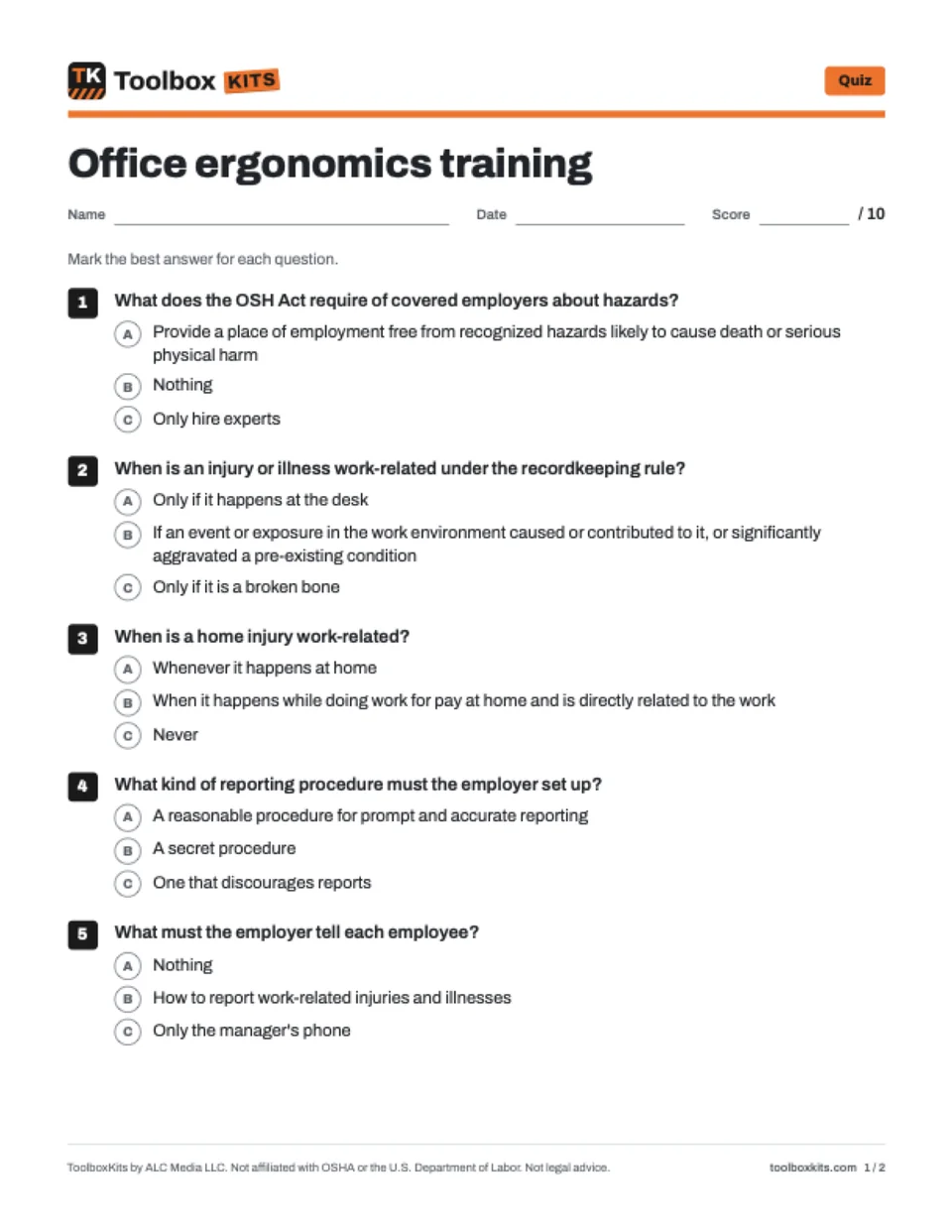 Quiz
- Answer key
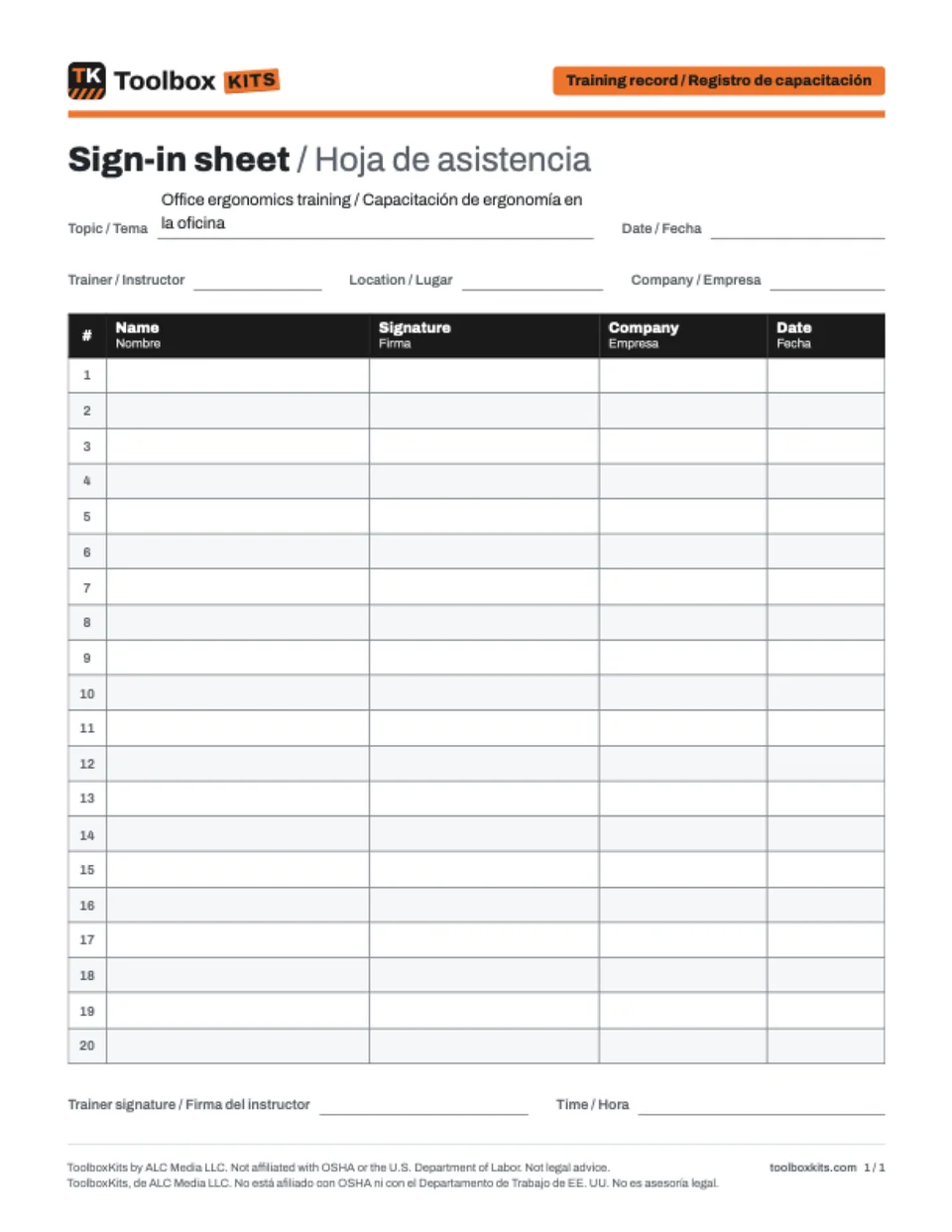 Sign-in sheet
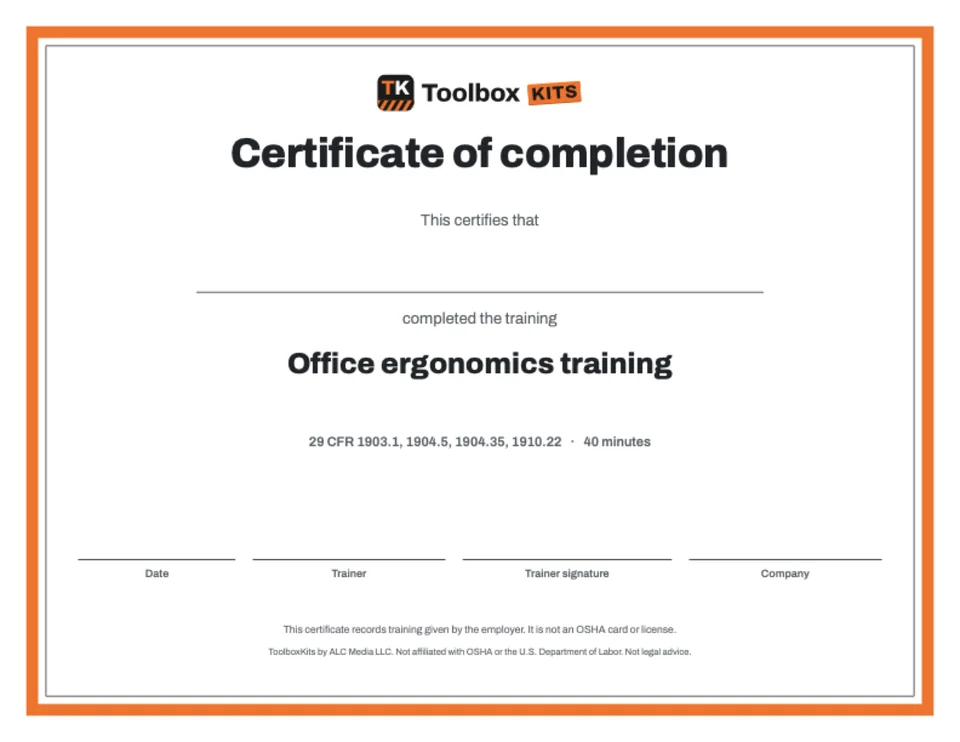 Certificate
- Crew handout
Try it
Try the quiz
Three questions from this topic. Pick an answer to see the right one and the OSHA paragraph.
Question 1 of 3
Where should the top of your computer screen be?
The rule
What OSHA requires
Plain-language summary. Each line links to the exact paragraph of the regulation.
OSHA has no specific standard for office ergonomics. The OSH Act still requires every covered employer to provide employment and a workplace free from recognized hazards that are causing or are likely to cause death or serious physical harm.
“furnish to his employees employment and a place of employment which are free from recognized hazards that are causing or are likely to cause death or serious physical harm to his employees”
Under OSHA's recordkeeping rule, the employer must consider an injury or illness work-related if an event or exposure in the work environment caused or contributed to it, or significantly aggravated a pre-existing injury or illness.
“an event or exposure in the work environment either caused or contributed to the resulting condition or significantly aggravated a pre-existing injury or illness”
For an employee working at home, including in a home office, an injury or illness is considered work-related if it happens while the employee is doing work for pay or compensation in the home and is directly related to the work rather than to the general home setting.
“will be considered work-related if the injury or illness occurs while the employee is performing work for pay or compensation in the home, and the injury or illness is directly related to the performance of work”
The employer must set up a reasonable procedure for employees to report work-related injuries and illnesses promptly and accurately. A procedure that would deter or discourage a reasonable employee from accurately reporting is not reasonable.
“You must establish a reasonable procedure for employees to report work-related injuries and illnesses promptly and accurately.”
The employer must tell each employee how to report work-related injuries and illnesses, and that employees have the right to report them (29 CFR 1904.35(b)(1)(iii)(A)).
“You must inform each employee of your procedure for reporting work-related injuries and illnesses”
The employer may not fire or in any way discriminate against an employee for reporting a work-related injury or illness.
“You must not discharge or in any manner discriminate against any employee for reporting a work-related injury or illness.”
In general industry workplaces, the employer must make sure walking-working surfaces are kept free of hazards such as sharp or protruding objects, loose boards, corrosion, leaks, spills, snow and ice.
“Walking-working surfaces are maintained free of hazards such as sharp or protruding objects, loose boards, corrosion, leaks, spills, snow, and ice.”
Common questions
Questions people ask
What should an eye strain safety moment cover?
Explain why screen work tires the eyes, then share three habits: look away at something far off and blink, set the screen at the right height and distance, and cut glare from windows and lights. Ask everyone to adjust one thing at their desk before the meeting ends. If eye strain or headaches keep coming back, suggest an eye exam.
What are some safety moment ideas for working from home?
Good examples are setting up a laptop so you are not hunched over it, keeping cords and clutter out of walkways, taking real breaks away from the desk, and lighting the room so the screen does not glare. You can also remind people how to report an injury that happens while working at home. Keep it short and ask each person to share one fix they made at home.
What does OSHA require for office ergonomics?
OSHA has no specific standard for office ergonomics. The OSH Act still requires covered employers to provide a workplace free from recognized hazards that are causing or are likely to cause death or serious physical harm (29 CFR 1903.1). OSHA's recordkeeping rule also requires employers to have a reasonable procedure for employees to report work-related injuries and illnesses (29 CFR 1904.35(b)(1)).
What should a home office safety moment cover?
Cover the setup first: screen height and distance, a chair that supports your back, and a separate keyboard and mouse for laptops. Add trip hazards like cords and boxes, lighting and breaks. You can also explain how OSHA's recordkeeping rule treats work at home: dropping a box of work documents on your foot is considered work-related, but tripping on the family dog while rushing to answer a work phone call is not (29 CFR 1904.5(b)(7)).
Is there an eye strain or home office safety presentation?
The free safety moment on this page is written to be read aloud, so you can present it at a meeting or on a video call without slides. If you want slides for a longer session, use the training kit option on this page. You can also print the talk as a PDF in English and Spanish with a sign-in table.
Free to share
Use this talk for free
You can print, share and adapt this talk at no cost under the Creative Commons BY-NC-SA 4.0 license. Please credit ToolboxKits with a link.